MKV Info: View Codecs, Tracks and Chapters in Your Browser
Have you even noticed yourself in a situation where you absolutely need to know the details of what's inside your MKV file: maybe you want to know what the bitrate of a video is, what codec or colorspace is used. Or maybe you want to know if the file contains a 5.1 track, so that you know the movie you are about to watch will have good audio for your home cinema setup. Windows or macOS generally shows a lot of generic information when you open the properties of the file, but let's say you want to check if a movie is HDR or SDR: you are lost - for now.
Because of this, we have developed a tool that allows you to upload an MKV file to show you all the MKV Info right in your browser, without having to install any software! Drop a file onto the application, and it will show you all the details you need to know.
Want to try it out? Click below!
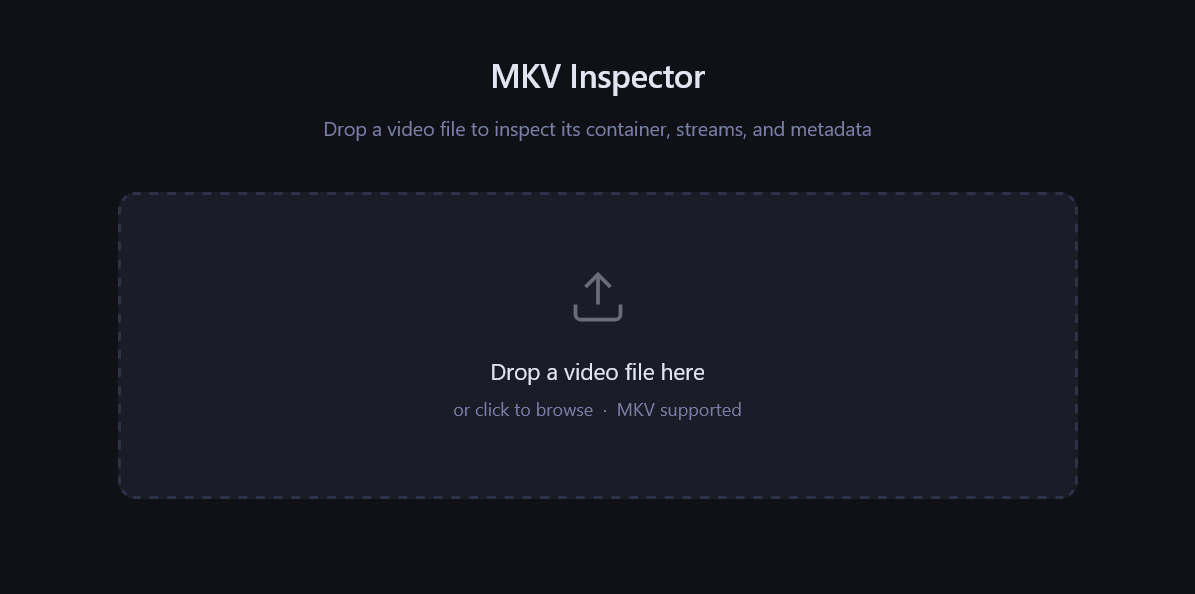
What it actually shows you
Once you drop you file into the application, it will already show you everything. Scroll down, and you will find out that all the information is split into four parts: a summary, audio/video/other tracks, chapters and container tags. What's most important is the first two parts:
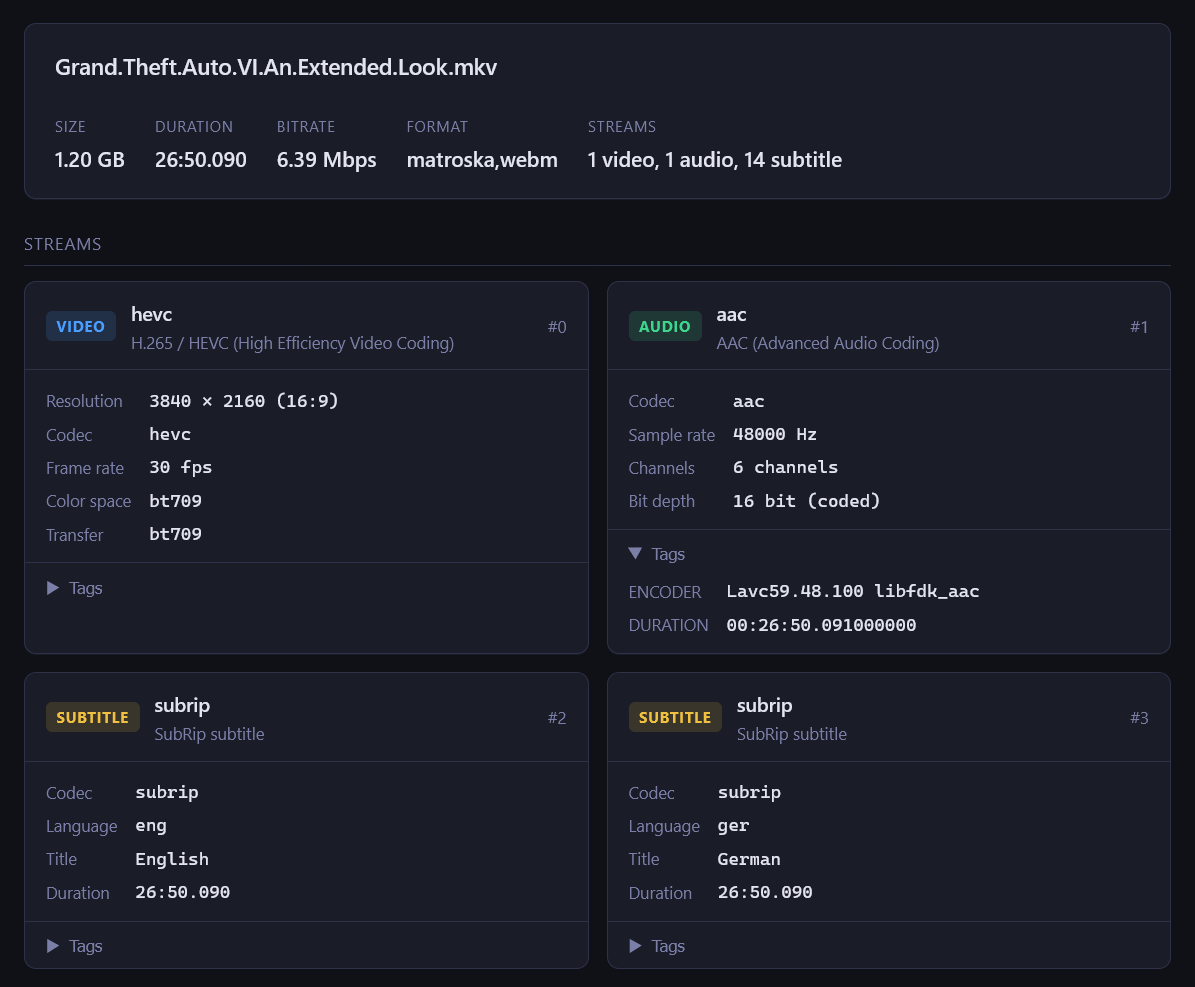
In the summary section you can get a glimpse of the key data: how big is the file, what is the total duration, what streams does the file contain. In the next section, you can see more information about the video streams and more. See the color space noted in the image above? BT709 means that this file is not a high dynamic range movie. You can also check what the languages of the subtitle files are, for example.
The file formats and browsers we support
This application has specifically been designed around MKV files. This means, that only MKV files can be used in this application. We are soon going to be developing the same program for other file formats like WebM and MP4. Stay tuned! As far as browser support goes: any modern browser is supported. If something does not work, please disable incognito mode as this may interfere with how files are loaded. If there's an error, it will be displayed in the footer of the application.
Try it out yourself!
Also check out all of our other applications & have a very nice day!